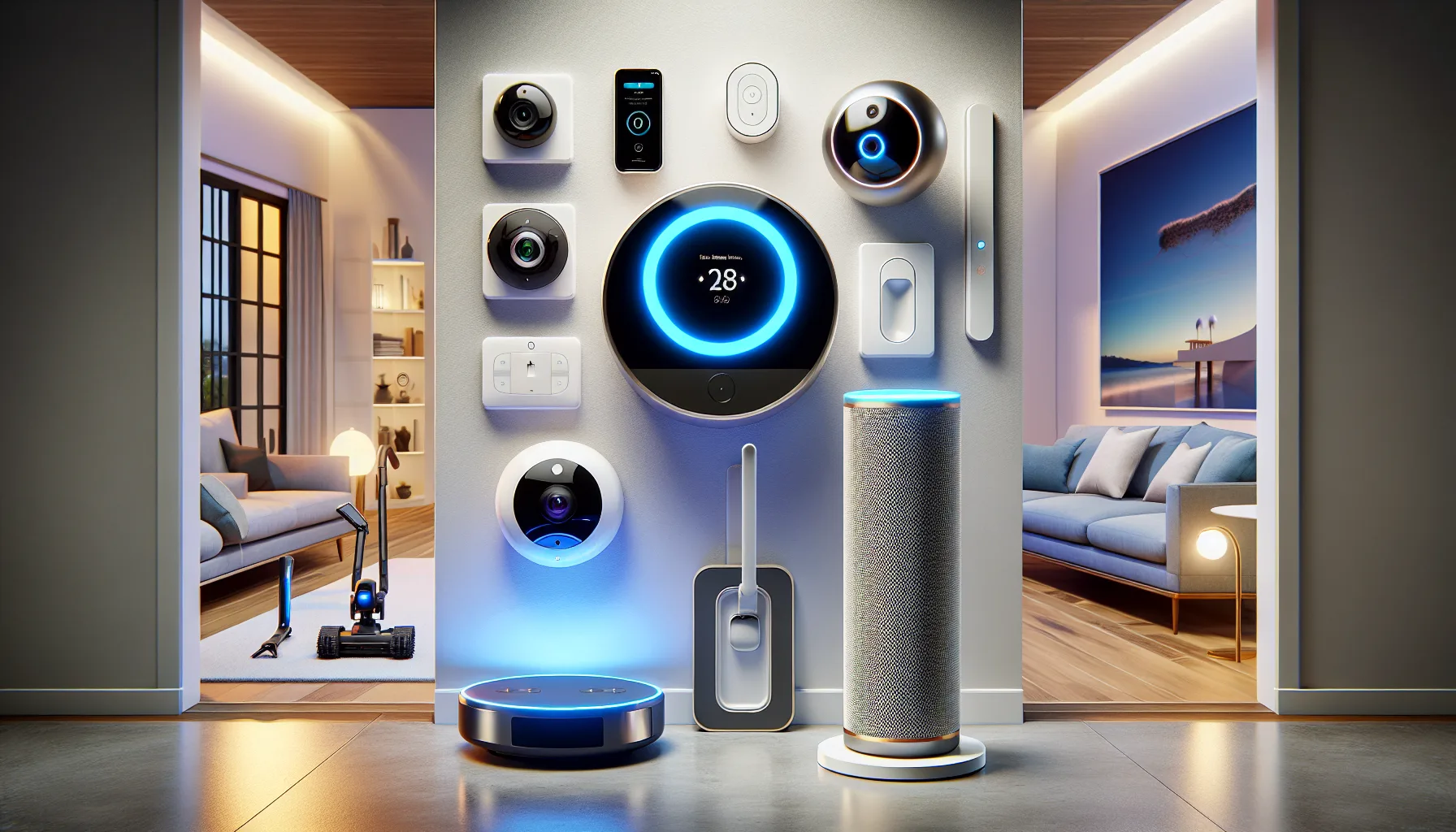
Upgrading your living space with modern technology is no longer about novelty gimmicks or sci-fi aesthetics; it is about saving time, cutting energy costs, and removing small daily annoyances. The primary goal of home automation is friction reduction—taking repetitive manual chores off your shoulders so your household runs smoothly in the background. Incorporating the best smart home devices into your living room, kitchen, and entryways transforms how you interact with your physical environment every single day.
Whether you are trying to secure your entryways while away at work or stop wasting electricity on forgotten hallway lights, a targeted smart device setup delivers immediate functional value. From voice-assisted central control hubs to automated climate management, building a connected household allows you to focus on what actually matters instead of managing manual switches, lost physical keys, and soaring utility bills. By selecting interoperable hardware that communicates seamlessly across wireless protocols, you build a resilient home infrastructure that simplifies living without adding digital clutter.
Daily Home Friction Inventory: Common Housekeeping Pains Smart Tech Solves
Before buying hardware, it helps to identify exactly where manual tasks create inefficiency or unnecessary mental overhead in your daily routine. Most homeowners waste hours each week performing micro-tasks that modern connected devices can execute automatically without human intervention.
- Uncertain entry door security: Constantly doubting whether you locked the front deadbolt or closed the garage door after leaving for your daily commute.
- Escalating energy expenditures: Overpaying on utility bills because cooling or heating systems run at full capacity while rooms sit entirely empty during working hours.
- Disrupted evening wind-down routines: Manually walking around the house every evening to check windows, flip off scattered light switches, and lower thermostats.
- Unmonitored parcel deliveries: Package theft or missed deliveries caused by a complete lack of real-time visibility at your front doorstep.
- Time-consuming surface cleaning: Spending precious weekend hours sweeping floor dust, pet hair, and food crumbs off hardwood and carpeted floors.
- Hidden environmental hazards: Unnoticed water leaks under sink cabinets or poor indoor air quality leading to catastrophic structural damage and health discomfort over time.
How Can You Stop Forgetting to Lock the Front Door at Night?
Forgetting to secure entry points creates psychological anxiety and real physical vulnerabilities. Traditional physical keys are easily misplaced, duplicated, or forgotten when carrying armfuls of groceries. Transitioning to a dedicated smart lock connected to a video doorbell solves this security bottleneck through automated geofencing and remote status verification.
- Select a smart lock with auto-lock timers: Choose a deadbolt replacement that features built-in door position sensors and configurable auto-lock delays (such as locking 30 seconds after the door closes).
- Establish a multi-factor entry method: Program PIN codes for family members, register biometric fingerprints for rapid entry, and issue temporary digital keys for house guests or contractors.
- Link the lock to a smart video doorbell: Pair your entry lock with a high-definition video doorbell featuring package detection and two-way audio communication.
- Configure night-time automations: Set a scheduled automation trigger at 10:00 PM every night that automatically re-engages entry locks, turns on porch safety lights, and sends a status confirmation notification to your smartphone.
- Don't skip physical backup options: Avoid installing smart locks that lack an emergency physical keyway or an exterior 9V battery jumpstart terminal.
- Don't share master PIN codes: Never give guest users the administrator code; always generate unique, revocable guest credentials.
- Don me rely solely on Wi-Fi connection: Avoid standalone lock models that drain batteries rapidly due to constant unoptimized direct Wi-Fi connections.
Why Are Your Monthly Energy Bills Spiking Unnecessarily?
Heating and cooling account for over half of the average residential energy bill. Traditional manual thermostats require active management that most occupants simply forget to execute, resulting in empty rooms being conditioned unnecessarily throughout the day.
The Invisible Cost of Climate Oversight
Standard programmable thermostats operate on fixed schedules that fail to adapt when your plans change. If you stay late at the office or take a spontaneous weekend trip, your HVAC system continues cycling air, burning money on empty space. Smart climate devices use motion presence sensors, mobile phone location tracking, and weather predictive algorithms to dynamically tune your indoor climate.
Residential energy audits reveal that installing learning climate control systems reduces heating costs by up to 12% and cooling costs by up to 15% annually, paying for the hardware cost within the first 14 months of deployment.
- Install a smart thermostat with room sensors: Position remote temperature and occupancy sensors in bedrooms and home offices to prioritize comfort in occupied spaces rather than empty hallways.
- Program home and away temperature thresholds: Establish wider acceptable temperature bands when the system detects all household members have left the home perimeter.
- Deploy smart radiator valves or vent controllers: Regulate airflow to specific rooms based on time-of-day usage patterns.
- Integrate window contact sensors: Configure your climate hub to temporarily shut down local cooling or heating whenever a window remains open for more than two minutes.
What Hardware Ecosystem Actually Fits Your Daily Workflow?
Choosing the correct smart home protocol and hub architecture dictates whether your system operates with instant responsiveness or suffers from laggy connections and platform fragmentation. Comparing current industry standards allows you to pick hardware that remains functional for years to come.
| Protocol / Platform | Response Latency | Offline Reliability | Ideal Use Case | Setup Complexity |
|---|---|---|---|---|
| Matter / Thread | Sub-100ms (Ultra-Fast) | High (Local Mesh Network) | Cross-platform ecosystems (Apple, Google, Alexa unified) | Moderate (Requires Thread Border Router) |
| Zigbee / Z-Wave | Fast (100–300ms) | High (Dedicated Local Hub) | Large homes with dozens of switches, sensors, and bulbs | Moderate to High (Requires dedicated bridge) |
| Wi-Fi (Direct) | Variable (500ms–2s) | Low (Fails without internet/cloud) | Entry-level setups with under 10 smart devices total | Low (Plug and play via standard router) |
| Bluetooth LE | Slow (1s–3s) | Moderate (Direct phone pairing) | Standalone individual devices like proximity locks | Very Low (No hub required) |
How Do You Automate Repetitive Floor Cleaning Without Sacrificing Cleanliness?
Manual vacuuming and mopping waste hours of manual labor every week. Modern robot vacuums have evolved from random bumper toys into sophisticated spatial-mapping appliances capable of navigating complex floor plans, avoiding pet accidents, and self-emptying their dustbins for weeks at a time.
Navigating Obstacles: LiDAR vs. Optical AI Sensors
Top-tier robotic cleaners utilize hybrid navigation suites combining LiDAR laser towers with front-facing AI optical cameras. LiDAR maps room geometry precisely even in pitch darkness, while vision sensors recognize clutter like power cords, loose socks, and pet waste in real time, routing the robot around hazards without getting stuck.
- Perform an initial baseline mapping run: Clear loose floor cables and open all room doors to allow the robot to build a comprehensive 3D map of your layout.
- Set up virtual keep-out zones: Draw digital boundaries around delicate furniture, pet feeding stations, and high-pile rugs where mopping pads shouldn't go.
- Schedule maintenance cycles around your routine: Program the vacuum to run immediately after everyone departs for school or work, ensuring you return home to freshly vacuumed floors every afternoon.
- Establish a weekly dock maintenance habit: Clean brush rolls, wash reusable microfiber mop pads, and empty base-station dirty water tanks every weekend to prevent odors. Conf
- Don't purchase bump-and-turn models: Avoid entry-level vacuums without smart mapping; they waste battery running over the same spots while missing whole rooms.
- Don't neglect filter replacements: Avoid running robot vacuums with clogged HEPA filters, which strain the suction motor and recirculate fine dust.
Why Is Lighting Management Wasting Your Time and Mood?
Flipping physical switches across multiple rooms throughout the day is an outdated interaction model. Smart lighting transforms ambient atmosphere automatically, syncing color temperatures with natural daylight to boost productivity during working hours and promote restful sleep in the evening.
Smart Bulbs vs. In-Wall Smart Switches
When upgrading lighting, deciding between individual color-changing bulbs and smart wall switches depends on your lighting fixtures and household habits. Smart bulbs offer individual color control and dimming in lamps, while smart switches control entire overhead light banks without losing connectivity when someone manually flips the wall switch off.
- Replace central living area switches with smart dimmers: Upgrade main overhead light controls with smart wall switches to keep fixtures connected regardless of physical toggle positions.
- Install smart color bulbs in task and accent lamps: Use tunable white bulbs in desk lamps and floor lights to adjust light warmth dynamically throughout the day.
- Program circadian rhythm lighting schedules: Automate lights to transition from cool white (5000K) at noon to warm amber (2200K) by sunset to support melatonin production.
- Bind smart motion sensors in transitional zones: Mount motion detectors in hallways, staircases, and bathrooms to illuminate pathways gently at 10% brightness during night hours.
How Do You Prevent Devastating Household Water Leaks and Mold?
A single burst pipe or slow washing machine leak can cause tens of thousands of dollars in water damage before anyone notices. Installing an automated leak prevention system provides immediate defense against hidden plumbing failures.
- Deploy wireless water leak sensors at high-risk points: Place low-profile water sensors beneath water heaters, refrigerator ice makers, washing machines, and under bathroom vanities.
- Install an inline smart main shutoff valve: Fit a motorized smart valve onto your primary incoming water supply line.
- Link sensors directly to the automatic shutoff valve: Program an instant automation rule: if any leak sensor detects liquid, the main water valve shuts off immediately, terminating the water supply in seconds.
- Set up high-flow freeze warnings: Enable push alerts for continuous water flow anomalies or temperature drops near pipes that signal imminent freezing risk.
- High-risk placement zone 1: Direct floor surface beneath the dishwasher door seal.
- High-risk placement zone 2: Inside the HVAC condensate overflow tray in the attic or utility closet.
- High-risk placement zone 3: Behind the basement sump pump basin.
Establishing a Resilient Home Automation Prevention System
As you expand your smart home ecosystem, reliability becomes paramount. A system that breaks every time the internet drops or a router restarts creates frustration rather than convenience. Building a resilient architecture requires taking specific proactive steps from day one.
- Implement local network control: Prioritize smart hubs and end-devices that process automations locally on your home network rather than relying on vendor cloud servers.
- Segment smart devices on a dedicated IoT Wi-Fi network: Create an isolated guest or IoT VLAN on your wireless router to prevent compromised smart hardware from accessing sensitive laptop or personal phone data.
- Provide battery backup power: Plug your core smart home hub, fiber modem, and main router into an Uninterruptible Power Supply (UPS) to preserve security and automations during power outages.
- Standardize guest physical overrides: Ensure every smart switch and lock retains intuitive physical operation so guests, children, and babysitters can operate lights and doors without needing a smartphone app.
- Maintain automated system backups: Configure weekly automated cloud or local backups of your smart home hub settings to restore custom automations quickly in the event of hardware failure.