
In 2026, a stable internet connection is no longer a luxury—it is the heartbeat of the modern smart home. Whether you are attending high-definition virtual meetings, streaming 8K content, or managing a suite of IoT devices, a Wi-Fi dead zone is more than an inconvenience; it is a productivity killer. If you find yourself losing signal in the bedroom or experiencing buffering in the kitchen, you aren’t alone.
This guide will walk you through the professional-grade steps on how to find and fix dead zones in your home Wi-Fi 2026, helping you diagnose, map, and permanently eliminate those frustrating signal gaps in your home network.
Diagnosing Your Network: How to Find Wi-Fi Dead Zones
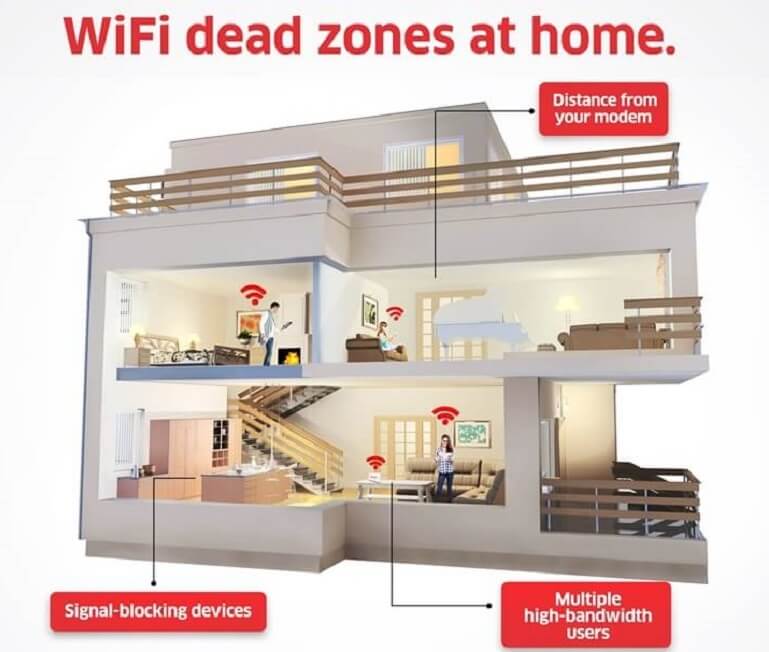
Before you invest in new hardware, you must understand the landscape of your current network. This is a crucial first step in how to find and fix dead zones in your home Wi-Fi 2026, as a dead zone is typically caused by physical obstructions like concrete walls, metal appliances, or simple distance from the router.
1. Perform a Heat Map Analysis
The most effective way to find dead spots is to use a Wi-Fi analyzer app on your smartphone or laptop. Walk through your home while the app records signal strength (measured in dBm). Areas where the signal drops below -75 dBm are considered dead zones.
2. Check Device-Specific Interference
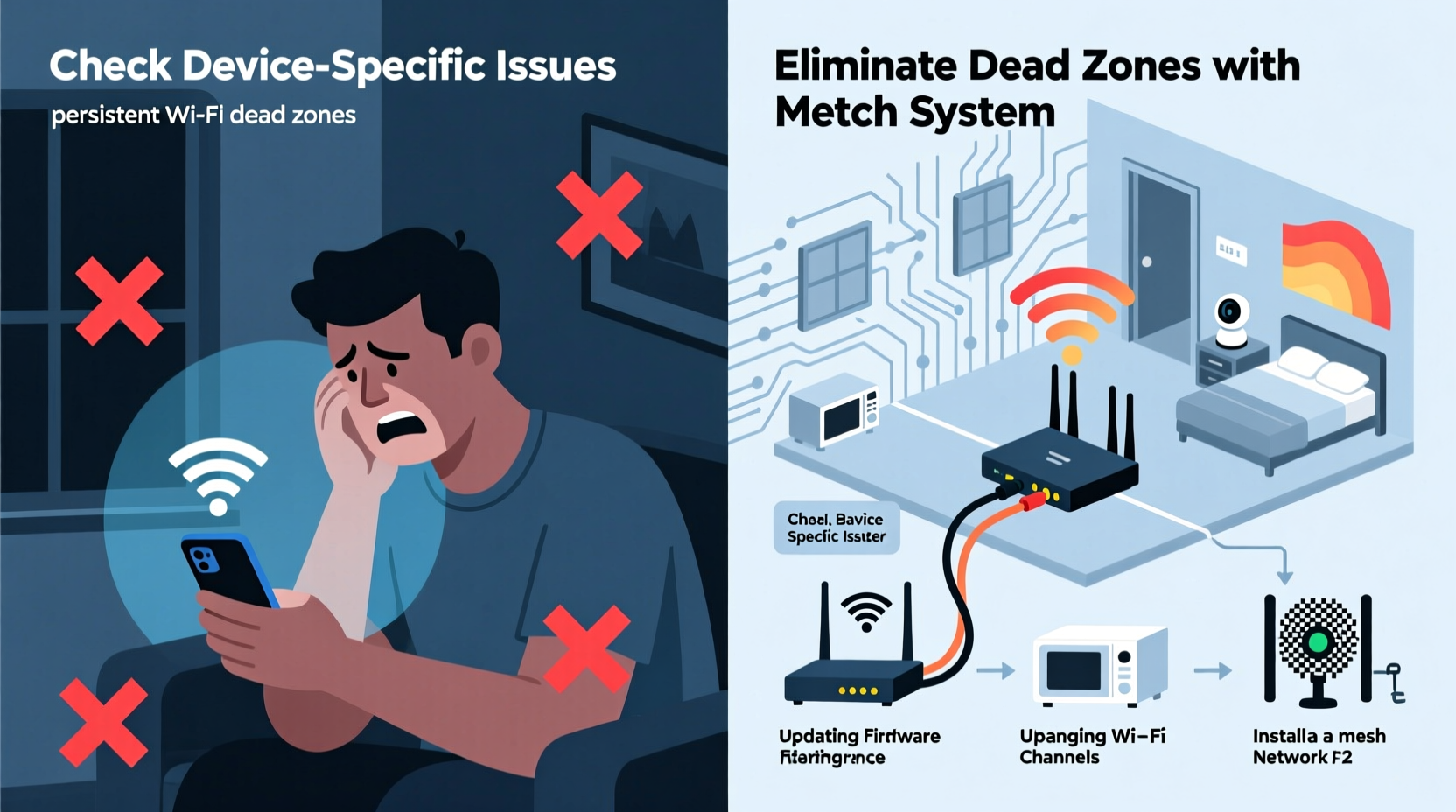
Sometimes, the issue isn’t the signal itself, but the device. If your phone shows full bars but your smart TV buffers, check if your router is struggling with channel congestion. In 2026, most routers feature “Auto-Channel Selection,” but manually switching to a less crowded 5GHz or 6GHz channel can often resolve localized performance drops.
Proven Methods to Fix Wi-Fi Dead Zones
Once you have identified the weak spots, it is time to deploy a fix. Understanding how to find and fix dead zones in your home Wi-Fi 2026 involves both diagnosis and effective solutions. From simple repositioning to advanced hardware upgrades, here are the seven most effective strategies.
1. Optimize Router Placement
The most common cause of poor coverage is a hidden router. If your router is tucked inside a cabinet or behind a television, the signal is being absorbed before it ever reaches the rest of your house. Move your router to a central, elevated location to ensure the signal radiates outward in all directions.
2. Upgrade to Mesh Wi-Fi Systems
In 2026, Mesh Wi-Fi has become the gold standard for home connectivity, offering a robust solution for how to find and fix dead zones in your home Wi-Fi 2026. Unlike traditional range extenders that create a separate network, a mesh system uses multiple nodes to create a single, seamless blanket of coverage. If you have a home larger than 1,500 square feet, a mesh system is the most reliable solution.
3. Utilize Ethernet Backhaul
If your home is wired for Ethernet, you can connect your mesh nodes via cables instead of relying on wireless signals to communicate between nodes. This is known as Ethernet Backhaul. It removes the “wireless tax” on your bandwidth, providing maximum speeds in every room of the house.

4. Consider Powerline Adapters
If you have thick walls that block wireless signals entirely, Powerline adapters are a clever workaround. These devices use your home’s existing electrical wiring to transmit data from your router to a dead zone, essentially turning every wall outlet into an internet access point.
5. Update Your Firmware and Hardware
Technology moves fast. If you are still using a router from five years ago, it may not support the latest Wi-Fi 7 (802.11be) standards, making it harder to truly understand how to find and fix dead zones in your home Wi-Fi 2026. Upgrading to a modern router can provide significantly better range, beamforming capabilities, and capacity to handle the dozens of devices typical in a 2026 household.
Maintenance Tips for a Future-Proof Network
Fixing your Wi-Fi is not a “one and done” task. To truly master how to find and fix dead zones in your home Wi-Fi 2026 and keep your network running at peak performance throughout 2026 and beyond, follow these maintenance rules:
Reboot regularly: Schedule a weekly auto-reboot for your router to clear the cache and resolve minor software glitches.
Audit connected devices: Remove old devices that you no longer use, as they can consume bandwidth and clutter your network table.
- Enable WPA3 Security: Ensure your network is secure by using the latest encryption protocols to prevent unauthorized access that could slow down your speeds.
Conclusion
Eliminating Wi-Fi dead zones in 2026 is entirely achievable with the right diagnostic tools and hardware solutions. This comprehensive guide on how to find and fix dead zones in your home Wi-Fi 2026 aims to empower you. By mapping your home’s signal, strategically placing your hardware, and potentially upgrading to a modern mesh system, you can ensure that every corner of your home enjoys high-speed, reliable connectivity. Don’t let a weak signal hold you back—take control of your network today and enjoy the seamless digital lifestyle you deserve.